POSE × OUTFIT × AI
AI pose changer for a new pose and outfit
Choose a person image, a pose and viewing angle, and an outfit from the library. Generate a new image and review where the result differs from your selections.
Open the studioREFERENCE / 01–02
Example references
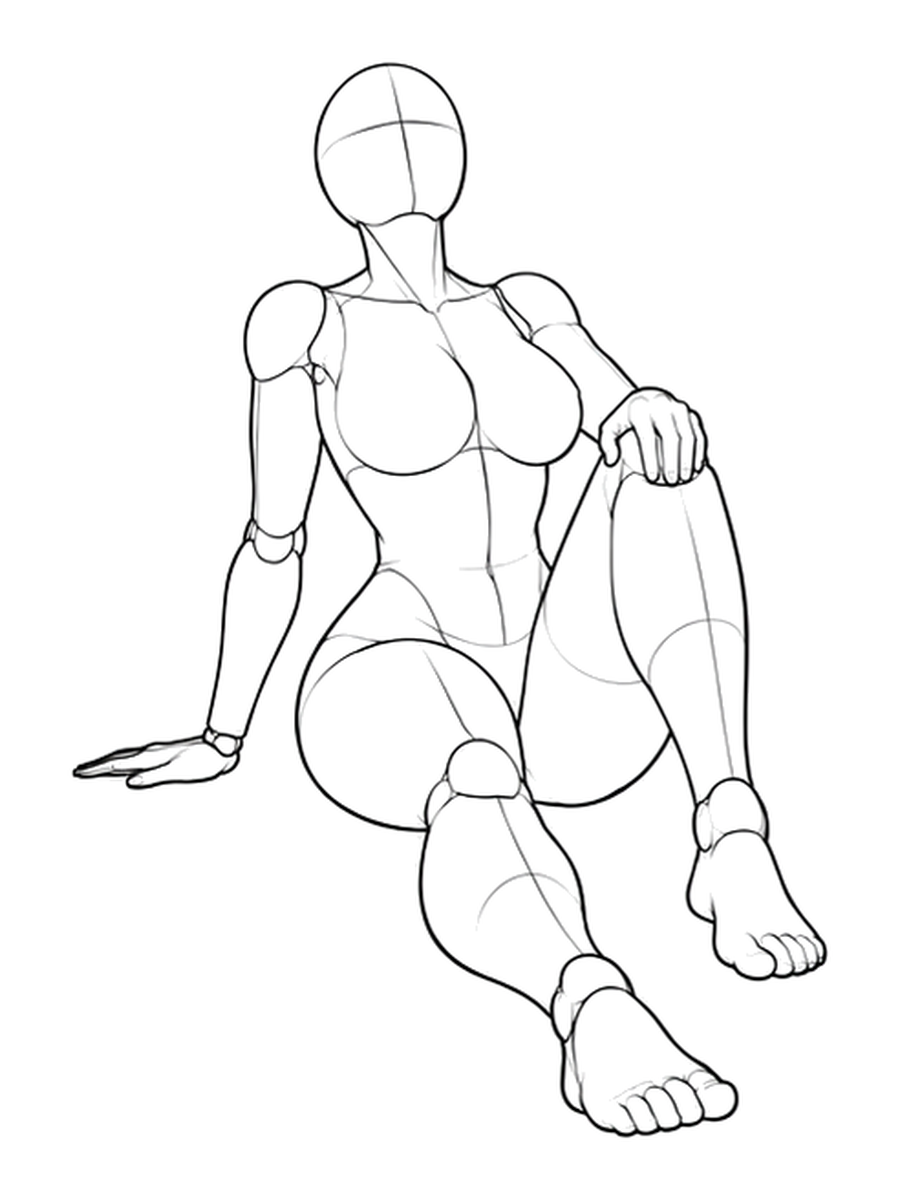
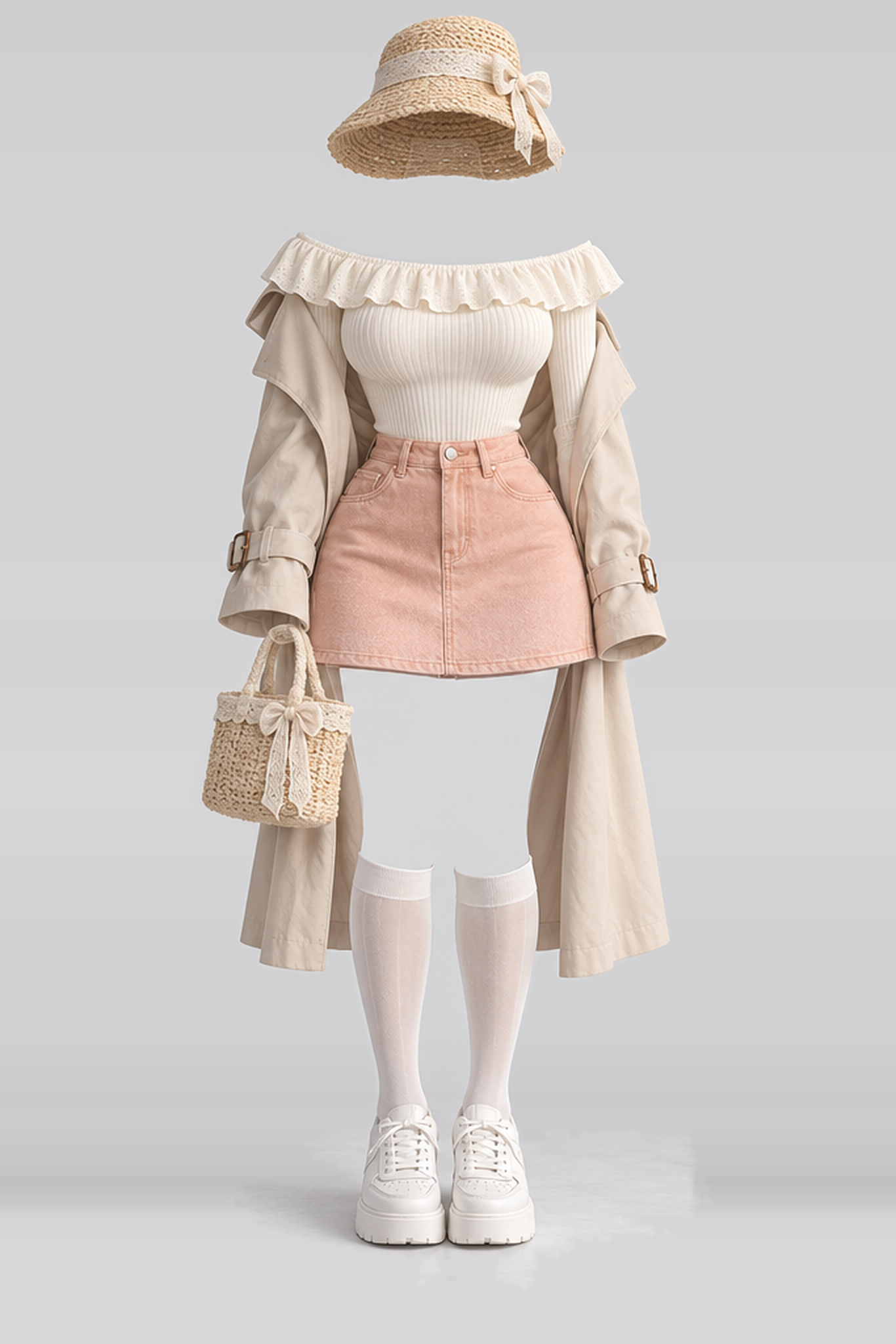
Choose pose and outfit references visually. These images show examples of each.
01 / HOW IT WORKS
How it works
- Sign in with a Google account with a verified email before uploading and generating.
- Choose one subject image you have the right and permission to use.
- Browse the single-person pose library and select a pose and an available angle.
- Choose an outfit from the outfit library, then generate one image.
- Review the pose, face and clothing details before downloading.
Pick a pose visually
A pose reference can show body position and gestures that are difficult to describe. Browse the available choices and select a viewing angle that fits your idea.
PoseWeave uses the subject, pose and outfit together. It generates a new image, so the pose, face and framing can differ from the references.
Choose framing for your pose
For a full-body pose, start with a subject image in which the body is clearly visible. For an upper-body pose, check the arms and hands as well as the face. These choices help you review the result; they do not ensure an exact match.
Choose and review your result
Start with a clear subject image. Consider which body parts need to be visible for the intended pose, and check the generated hands, limbs and camera angle at full size.
If an important detail differs, try another available reference or angle. A new attempt may still have differences.
Test observation: gesture versus camera angle
In one isolated October 2026 test, a standing reference with one hand at the waist and the other behind the head produced those main gestures. The camera and face nevertheless appeared closer to the front than the intended oblique view.
That is one manually reviewed result, not a measure of accuracy or a guarantee for the current service. When angle matters, compare the body direction and viewpoint as well as the hand positions.
What a real example shows
In an October 2026 production example, a seated AI character was combined with a standing pose and a dark red outfit. The result showed the character standing in the selected color, with a scarf and handbag, but did not reproduce the reference hand at the waist.
See the real example on the Pose & outfit page for the subject, pose, outfit and output side by side. It is one result from an earlier version, not a promise of current performance.
Sign-in and credit cost
Generating requires a Google account with a verified email and an outfit selection as well as a pose. Each successfully delivered image currently costs 30 credits; failed generations release their reserved credits. See Pricing for current packages and any applicable taxes.
Common questions
Will the original outfit stay the same?
Not necessarily. You select a library outfit for each generation, and the output may also vary from that reference.
Can I upload my own pose image?
The current version uses its available pose library and does not accept custom pose uploads.
Will the pose match the reference exactly?
No. The reference guides the generation, but the body position, angle and details can differ.
Can I try different poses for the same character?
You can reuse a subject image and choose another available pose for a new generation. Identity, pose and clothing details can still vary between results. Each successfully delivered image currently costs 30 credits.
View pricing and credit packages
Open the studio